
In the last post we went through different KQL Operators,
In this post we will be going to querying and structuring date as well as create some basic charts.
Logon to Azure and go to Log Analytics workspace and select the workspace.
Click on logs, the main logs we will be working with in these posts will be storage blobs but the same principal can be used on any logs.
I used the below learn article for reference on the different columns
https://learn.microsoft.com/en-us/azure/azure-monitor/reference/tables/storagebloblogs
I also used the quick reference for what each operators is.
https://learn.microsoft.com/en-us/azure/data-explorer/kusto/query/kql-quick-reference
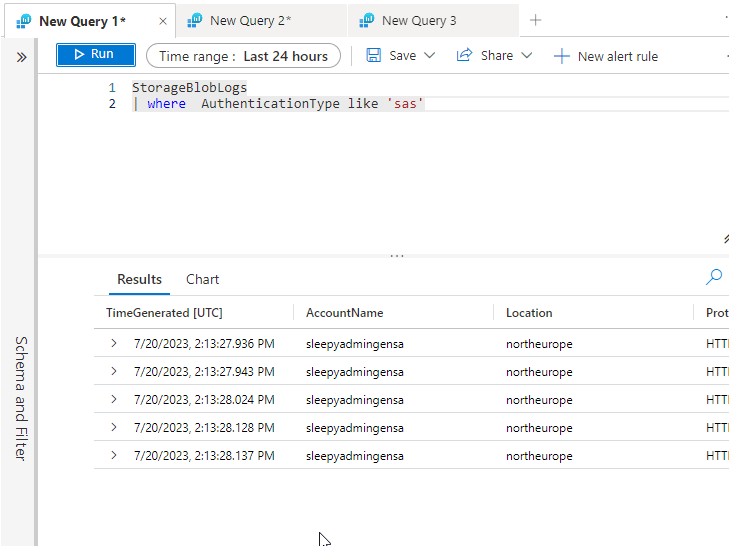
If we want to filter by a specific column and value we can use where operator to return only the specific rows.
The below query is to get the authentication that use SAS.
If we want to only select certain columns we can use project.

If we wanted a count of each authentication type we can use summarize.

Next we can create a pie chart by a column , I used operation name.

We can also render as charts.

In the next post will go through create email reports and action groups.
 TheSleepyAdmins